Best Pet Cameras for Dogs and Cats: Features That Actually Matter

Daniel Clark
I’m Daniel Clark, a pet care editor specializing in evidence-based pet health, behavior, and care guidance.
Disclosure: SavingCat is reader-supported. We may earn a commission when you buy through our links, at no extra cost to you.
SMART GEAR GUIDE
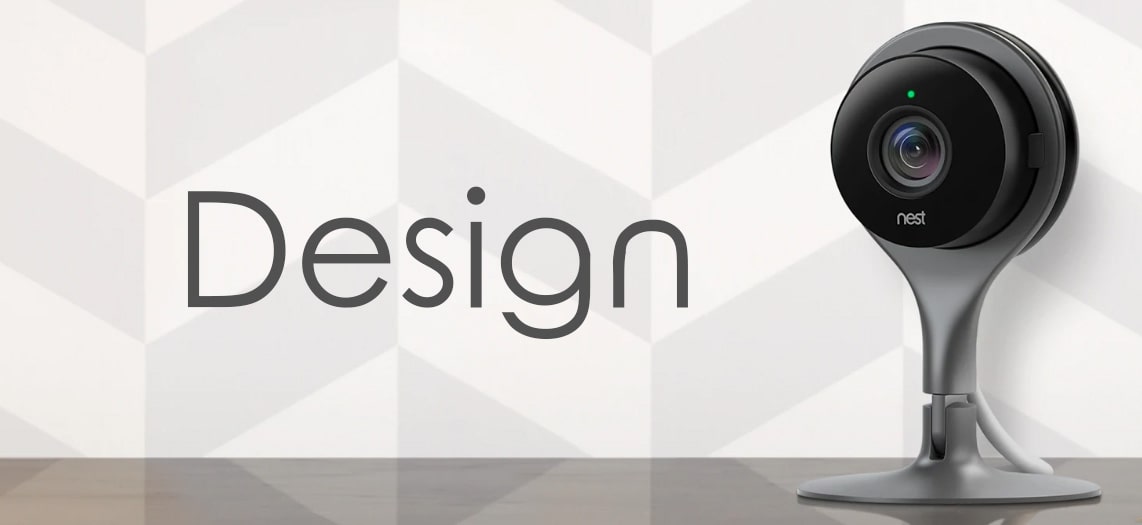
A pet camera can help you check on your dog or cat when you are away, but the best model depends on how you plan to use it. Focus on clear video, reliable alerts, safe placement, privacy controls, useful audio, and honest subscription costs pet camera before paying extra for gimmicks.
SavingCat quick picks:
- Best simple choice: A reliable indoor camera with good video, night vision, and motion alerts.
- Best for dogs: A camera with two-way audio and wide-angle viewing near the main rest area.
- Best for cats: A stable camera placed near favorite windows, food areas, or play zones.
- Best premium feature: Treat tossing can be fun, but only if your pet responds safely.
- Avoid: Cameras with unclear privacy policies, required expensive subscriptions, or poor app reviews.
Quick answer: The best pet camera is reliable, secure, and easy to use. Prioritize clear video, app stability, useful alerts, privacy controls, and subscription costs before paying extra for treat tossing or advanced AI features.
In this guide: This guide covers video quality, night vision, two-way audio, treat tossing, alerts, placement, privacy, subscriptions, and pet safety.
Who should buy a pet camera?
A pet camera is useful if you want to check whether your pet is resting, barking, scratching, eating, using a favorite area, or reacting to noises. It can also help you monitor a new pet, a senior pet, or a pet recovering at home. It should not replace supervision, training, veterinary care, or a safe home setup.

Features that matter most
| Feature | Why it matters | Buyer tip |
|---|---|---|
| Video quality | You need enough detail to see behavior clearly | 1080p is usually enough for most rooms |
| Night vision | Pets are active in low light | Check real user feedback, not just specs |
| Two-way audio | Lets you hear and speak through the camera | Some pets find remote voices confusing |
| Motion alerts | Helps you notice activity without watching constantly | Look for adjustable sensitivity |
| Subscription plan | Cloud clips and smart alerts may cost extra | Check monthly fees before buying |
Treat tossing: useful or just fun?
Treat tossing can make a pet camera more interactive, especially for dogs that enjoy reward games. But it is not necessary for every home. Some cats ignore it, some dogs become too excited, and some pets need diet control. If you choose a treat camera, confirm treat size, cleaning requirements, and whether the mechanism jams easily.
Privacy and security checklist
- Use a strong password. Do not reuse your email or banking password.
- Enable two-factor authentication if available. This helps protect the account.
- Check the privacy policy. Understand how clips, audio, and account data are handled.
- Place the camera thoughtfully. Aim it at pet areas, not private spaces.
- Review subscription settings. Know whether recordings are stored locally, in the cloud, or not at all.
Where to place a pet camera
Put the camera where your pet actually spends time: near a bed, crate, couch, window perch, feeding area, or main room. A wide-angle view helps, but placement matters more than a long feature list. Keep cords hidden or protected, especially around puppies, kittens, and curious chewers.

Safety note: Do not use a pet camera to delay urgent care. If your pet appears injured, in distress, unable to breathe normally, or repeatedly vomiting, contact a veterinarian or emergency clinic.
Best options by need
Best overall: A reliable indoor camera with 1080p video, night vision, adjustable alerts, and strong app reviews.
Best for dogs: A wide-angle camera with two-way audio near the main resting area, plus optional treat features if your dog responds calmly.
Best for cats: A stable camera aimed at favorite windows, perches, food areas, or play spaces.
Best budget: A simple security camera with local or low-cost cloud options and no unnecessary pet gimmicks.
What to avoid: Unclear privacy policies, poor app ratings, required expensive subscriptions, and unsafe cord placement.
Buying checklist
- 1080p video or better
- Night vision
- Adjustable motion alerts
- Two-factor authentication if available
- Transparent subscription pricing
- Safe cord placement
FAQ
Do pets need treat-tossing cameras?
No. Treat tossing can be fun, but many pets do fine with a simple, reliable camera.
Can a pet camera help with separation anxiety?
It may help you observe behavior, but it is not a treatment plan. Serious anxiety should be discussed with a trainer or veterinarian.
Where should I put a pet camera?
Aim it at the area where your pet spends the most time, while avoiding private spaces and protecting cords from chewing.
Final verdict
The best pet camera is reliable, secure, and simple enough that you will use it every day. Start with video quality, app reliability, alerts, privacy controls, and subscription costs. Treat tossing and advanced AI alerts can be helpful, but they should not matter more than a stable connection and safe placement.
Affiliate disclosure: SavingCat may earn a commission from qualifying purchases. Always verify app compatibility, privacy settings, subscription fees, and warranty details on the retailer page.
Related guides
Explore more SavingCat guides for pet-friendly homes, home cleaning, air and odor control, smart gear, and travel and outdoor gear.
Image note: Article images are topic-matched reference photos used for buying-context illustration; they do not imply a specific physical product recommendation.